Registering a structured data schema lets you reference the schema when creating ingestion or processing jobs involving structured data.
Before you begin
Ensure your schema is formatted as JSON, conforms to Veritone's expected format, and uses the supported schema types. For more information, see Structured data schema format.
Upload a schema
- Access the Resource Center utility by logging into your aiWARE account. Click the utility icon
 . Select the Resource Center folder icon
  . The Resource Center panel slides out.
 - In Resource Center, click the + Create New button. Choose Schema.
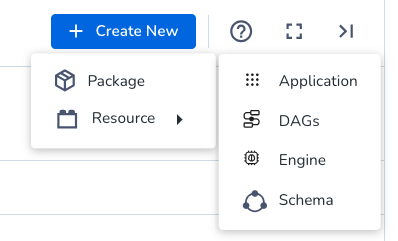
You will be guided through a wizard.
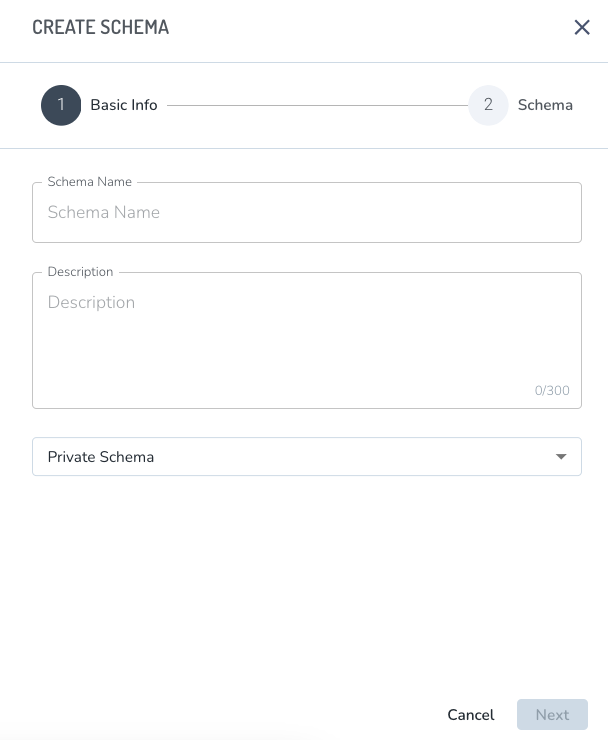
Paste in your JSON code, then click Update.
Publish the schema
After updating with your JSON,
- Click Resources > Schemas
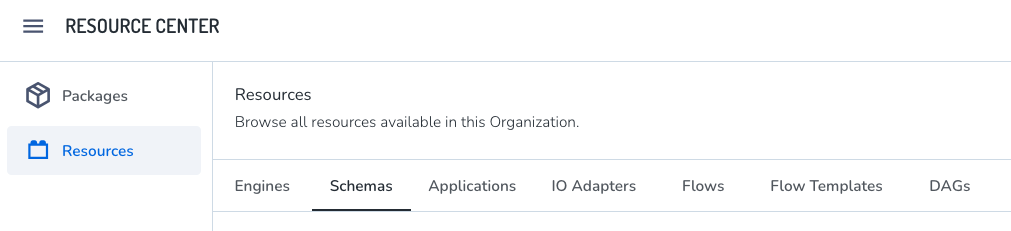
- Click your schema. Click Versions and then Publish.



