In this Article
- Logging in to Redact
- Resetting your password
- Adding new users
Logging in to Redact
1. To begin, open a Chrome browser on your machine.
2. Next, navigate to your login page.
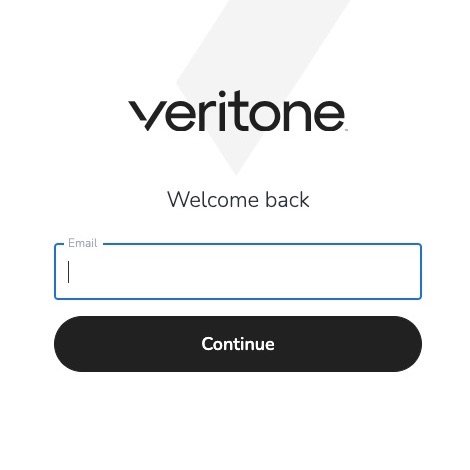
3. Enter your email address and click the continue button.
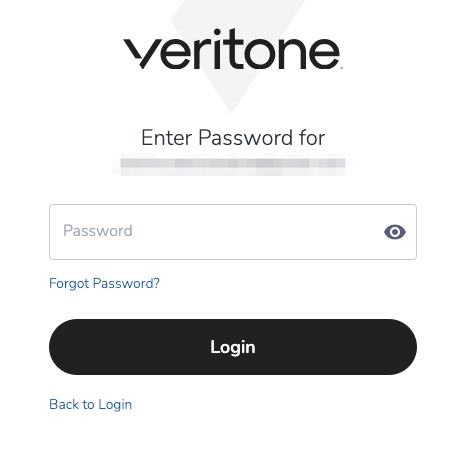
4. Enter your account password and click the login button.
Resetting Your Password
1. From your organization's login page, enter your email address and click the continue button.
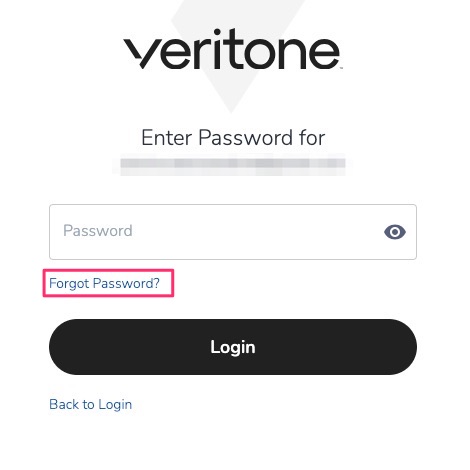
2. Enter your email address and select “Forgot Password?.”
3. Check your email for an email from the Veritone Team at support@veritone.com with the email subject “Password Reset.” Use the link in the email to set a new password for your account.
Adding New Users
If you need to add additional users to your Redact account, please contact our Support Team at support@veritone.com and include the person’s full name and email address in your email.



