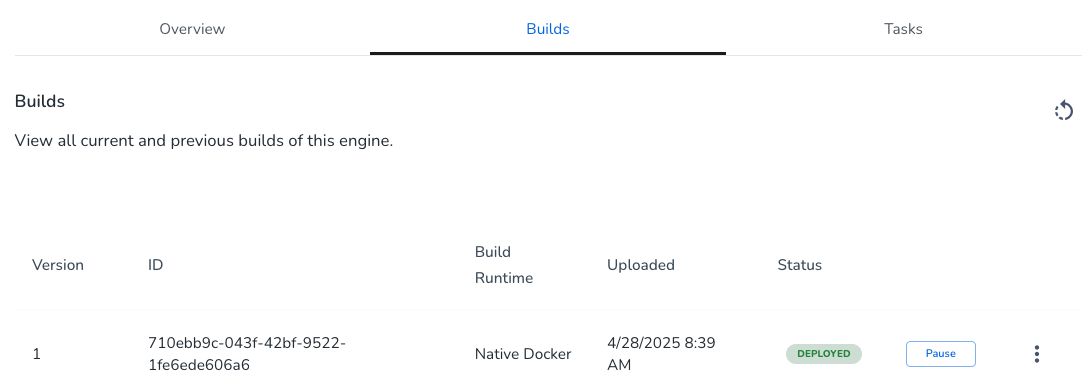
It is possible to have numerous builds of a given engine (with a given Engine ID) in the system. But only one build can be active (with a status of DEPLOYED) at any given time.
If you debug your engine and push revised builds to the repo, you may want to pause a build. Some things to note:
- You can push a new build while an older one is still active (deployed). A push doesn't overwrite anything.
- After your engine is in use, use caution in pausing an active build of an engine, since disabling a build could be disruptive to users of the engine.
To pause an engine:
- Access the Resource Center utility by logging into your aiWARE account. Click the utility icon
 . Select the Resource Center folder icon
  . The Resource Center panel slides out.
 - Click Resources > Engines tab.
- Find the engine you want to disable. It must have an Active status. (Click the
 icon to set a filter to active status to find active engines quickly.)
Click the engine. - Click the Builds tab.
- Click the Pause button.
Pause an engine via API call
See Pause engine API call via GraphQL.



