Resources are the building blocks of aiWARE custom solutions. A resource is any entity in aiWARE that can be used to enhance the processing capabilities of organizations. Examples include engines, schemas, adapters, DAGs, and applications. The Resource Center utility stores all the resources that are available to an organization. It allows users to view and grant other organizations access to these resources in the form of aiWARE packages. Once granted, those organizations may use those packages of resources to augment their own processing workflows.
This article provides an overview of Resource Center and its features.
Common use cases
| Use case | Description |
|---|
| Create and distribute custom applications, solutions, or resources | A solution developer may use Resource Center as a tool kit to create in-house solutions, and can then control their distribution at a highly granular level. |
| Monitor any package or resource that has been provisioned for an organization | A system administrator may want to view detailed information on packages and resources, including what is inside each package, where the package has been granted, and what versions are available. |
Terminology
| Term | Definition |
|---|
| aiWARE instance | An aiWARE instance refers to either a single node running aiWARE, or, in multi-node installations, to the entire set of nodes running any parts of an aiWARE stack. |
| Organization | An entity that centrally controls access to different resources and assets. An aiWARE organization controls access to resources for AI processing, such as media files or other data assets, and processing tools, including engines, applications, schemas, and flows. A Hub organization controls Hub user access to administrative functions for aiWARE instances. |
| Package | A bundle of one or more aiWARE resources. Packages are used to create custom AI solutions. By combining interrelated resources (such as an engine and its required schema, or a group of translation engines for multiple languages) into one bundle, packages also make it easier to distribute resources for use by other organizations. |
| Resource | Any object used to build solutions in aiWARE. Resources enhance and orchestrate the processing capabilities of organizations. Examples include engines, schemas, flows, DAGs, and applications. |
Access Resource Center
To access the Resource Center utility, log in to your aiWARE administrative account, and from the header bar, select  and then Resource Center
  . Resource Center slides out as a panel.
Interface overview
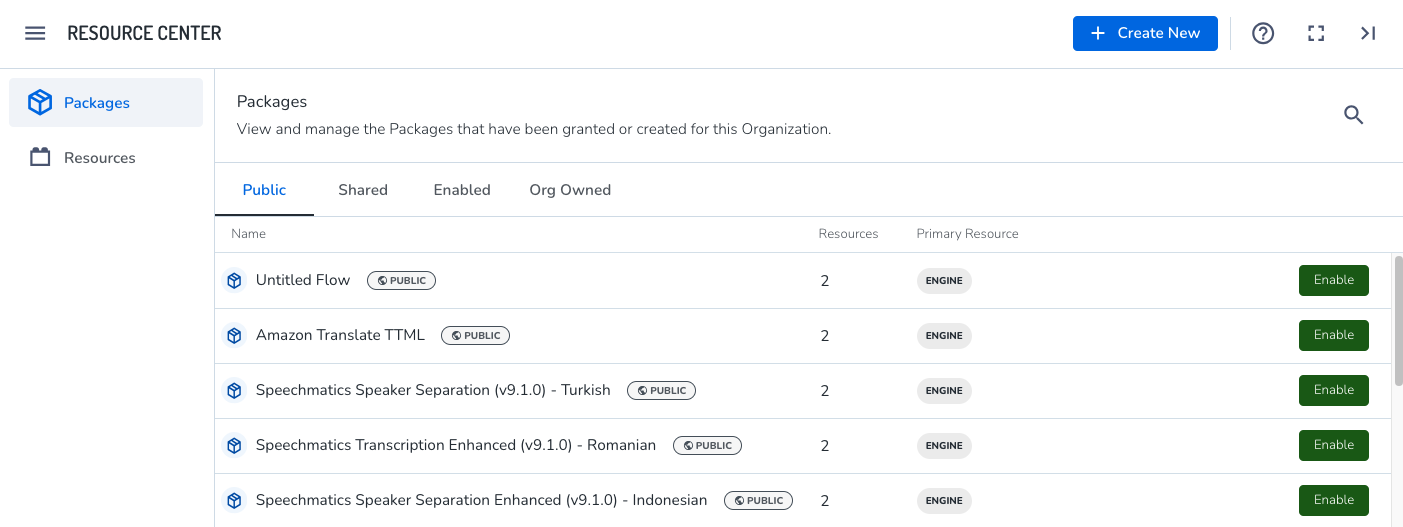
Left sidebar
The following options are available in the left sidebar:
- Packages: displays all the aiWARE packages that are either owned by this organization or that have been granted permission to use them.
- Resources: displays a list of all the resources that are available to this organization.
Packages table
The Packages table displays two tabbed tables:
-
Public: Displays a list of all publicly available packages that can be enabled for your organization
-
Shared: Displays a list of all packages that have been shared directly and can be enabled for your organization
-
Enabled: Displays a list of all packages that have been successfully enabled for your organization and are ready to use
-
Org Owned: Displays a list of all packages that have been created and are owned by your organization
Resources table
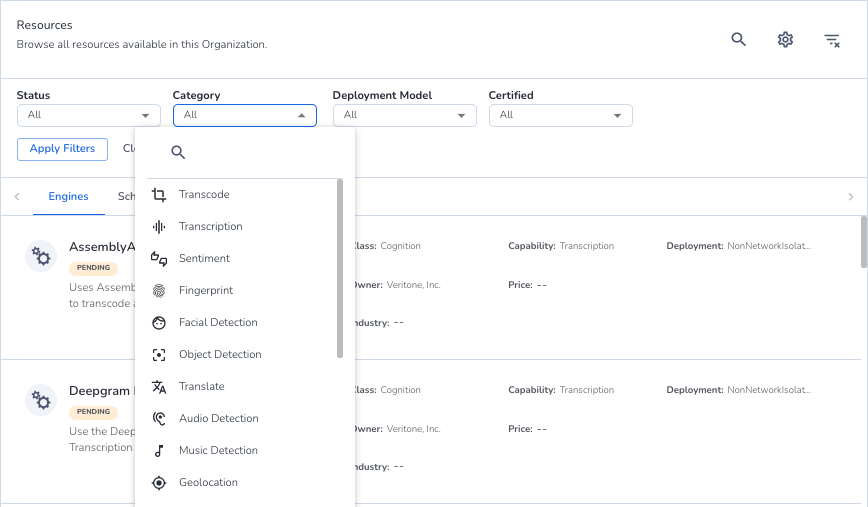
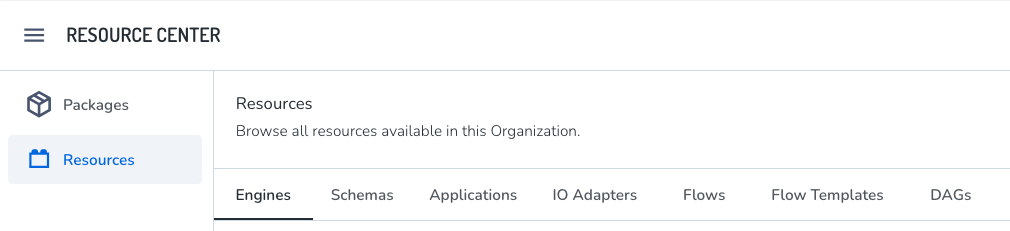
The Resources table displays a tabbed list of all the resources (engines, schemas, applications, and flows) that are available to this organization. The tab for each resource type displays detail cards for the resources with summary information. The list can be filtered.
View resources by choosing the relevant tab.
Filter the Resources table
- Filter the list of resources by clicking the
 icon in the upper right. The filter options vary based on the resource type.