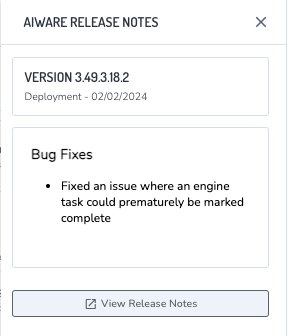
aiWARE administrators can use the Admin Center utility to view system information for the instance, including OS updates and version release notes.
- To access the Admin Center utility, log in to your aiWARE administrative account. In the header bar, select
 and then Admin Center
  .
. - Click System Information in the left navigation to open the System Information panel.
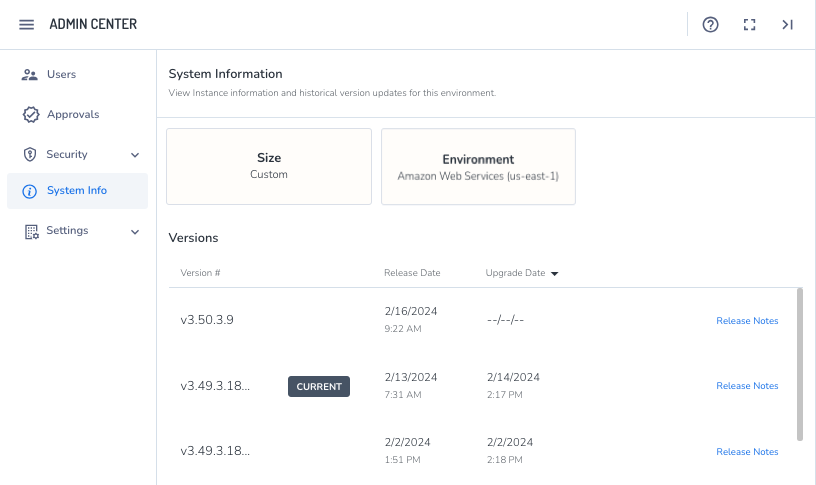
Here you can view information about your aiWARE environment.
-
- The size of the instance. For more information about instance sizes, see Instance sizing and run modes.
- The type of environment running:
- On-premises/self-managed deployments
- Cloud platform and location
- Version information:
- The version currently running
- Previous versions
- Newer versions that are currently available to install.
- Click Release Notes to open the aiWARE Release Notes panel.