LinkedIn FAQs & Useful Links
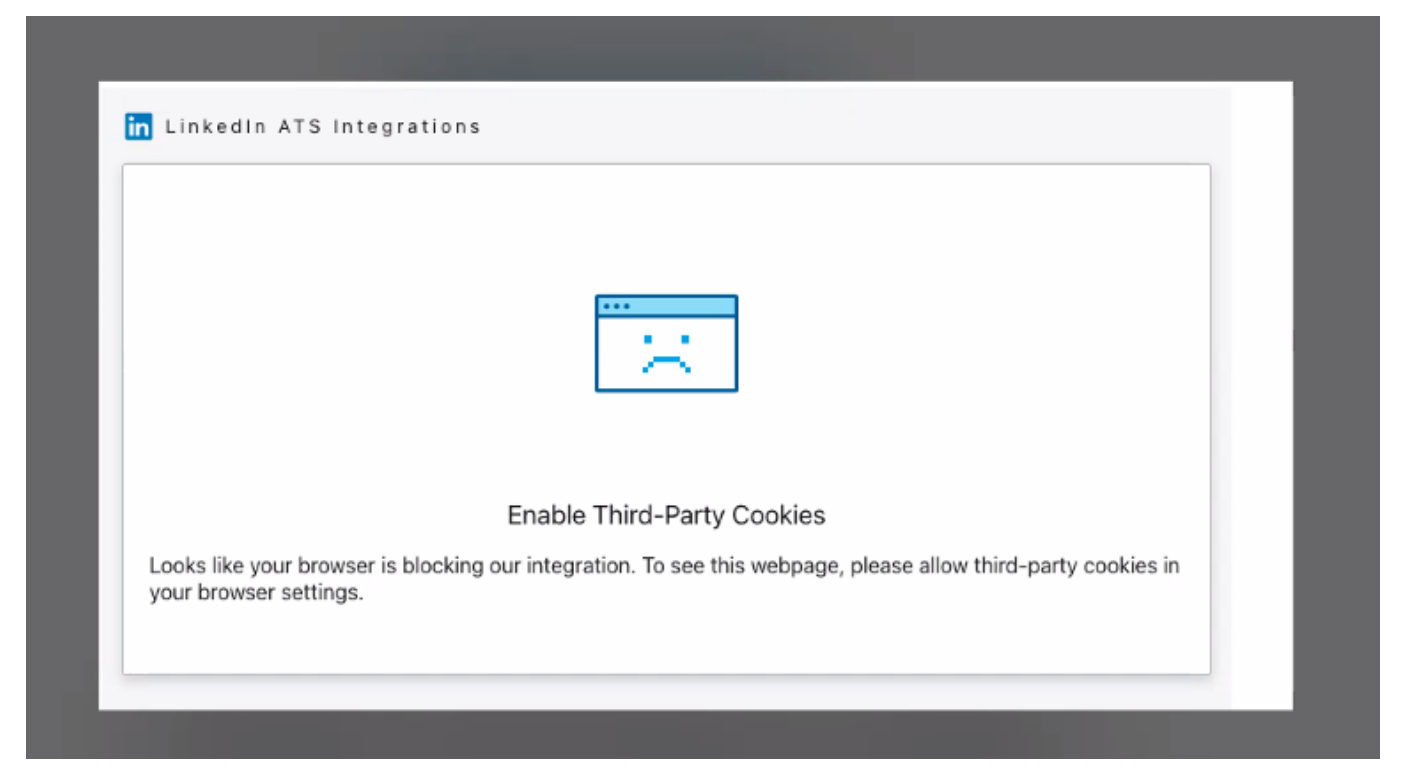
Q: The widget isn’t loading and I am getting this error; what should I do?
A: 3rd party cookies need to be enabled in the browser for the LinkedIn widget to properly load. Once you have enabled the cookies, please reload the widget and try again. (see below resources for answer)
LinkedIn Resources
• If you need assistance with associating your LinkedIn Company ID with the LinkedIn Job Board, please review the LinkedIn Help site: https://www.linkedin.com/help/linkedin/answer/a415420
• If you need assistance finding your Recruiter Contract ID, please review the LinkedIn Help site: https://www.linkedin.com/help/recruiter/answer/a412381/finding-your-recruiter-contract-id?lang=en
• To access LinkedIn Recruiter and Recruiter Lite: https://www.linkedin.com/help/recruiter/answer/a414112
• If you need assistance with managing licenses in LinkedIn Recruiter, please review the LinkedIn Help site: https://www.linkedin.com/help/recruiter/answer/a414508
• For explanation of features of a dashboard manager in Recruiter, please review the LinkedIn Help site: https://www.linkedin.com/help/recruiter/answer/a414508
• For any further questions or help please raise a Ticket with your LinkedIn Team https://www.linkedin.com/help/recruiter/ask
• LinkedIn Jobs Terms and Conditions
• Full LinkedIn FAQs : https://www.linkedin.com/help/recruiter/answer (Please note this link will take you directly to LinkedIn page)
Easy Apply FAQs
• Can I choose which of my users have Easy Apply enabled for their jobs?
Yes, your Veritone Hire (Broadbean) Administrator can choose which users have Easy Apply enabled. Once Easy Apply is enabled for a user, all their jobs posted to LinkedIn will have Easy Apply enabled. The user will not have the ability to pick and choose which of their jobs they would like Easy Apply enabled for.
• Which of my jobs on LinkedIn will get enabled with Easy Apply?
Once Easy Apply is activated for you, it will apply to all your jobs posted through Broadbean to LinkedIn.
• Why is Easy Apply not activated for me?
Please contact your account Administrator to enable this for you.
• Is there a cost to enable Easy Apply?
No, there is no cost to enable this feature but you must have agreed this on your LinkedIn contract
• Will applications received prior to me activating Easy Apply also be sent to Broadbean?
No, only applications after Easy Apply has been activated will be sent. After Easy Apply has been activated, you can delete and repost jobs. By doing this, reposted jobs will have Easy Apply enabled.
• How do I enable Easy Apply for my job already posted to LinkedIn?
Any job that needs to be enabled with Easy Apply will need to be deleted and reposted to have Easy Apply enabled.
• Will I still receive an email from LinkedIn when someone applies to my posting?
Yes, if your LinkedIn profile is set up to send notifications, Easy Apply will not interfere with postings.
• How does LinkedIn Easy Apply handle duplicate records?
Applicant records are de-duplicated so that only one record of the applicant exists in Broadbean. We will override the candidate record to store the candidate’s most recent information and resume if it has been updated from the existing record.
• Where can I manage my LinkedIn Easy Apply applicants?
Easy Apply applicants can be managed directly in LinkedIn (for all account workflow) or in Broadbean. If you are using a Standalone or Email Apply workflow, you will be able to manage your Easy Apply applicants in the same environment as you do now. At this time, if you are managing applicants in an Apply Online ATS, you will need to either manage your LinkedIn Easy Apply applicants directly in LinkedIn or Broadbean.
• How soon can I expect LinkedIn application to be visible in Broadbean?
Applicants will be visible in Broadbean within 30 minutes.
• If the scheduled job fails to import my applications into Broadbean, does it try again?
Yes, if an application fails to import we will retry again within 30 minutes.
• We received an applicant’s name as an application, but there was no resume attached. Is this a mistake?
No, chances are this is not a mistake. Applicants are not required to submit a resume to apply to a job. Applicants can apply with their LinkedIn profile, which requires them at minimum to have a name and email address.


