You can set proactive alerts for users, such as when and if they should receive alerts. Sending alerts encourages your users to resolve their connection issues on a proactive basis, and helps eliminate reporting gaps.
[Note]Only users with an Admin role in Attribute can set status alerts for other users.
Steps
- Click
 for Settings.
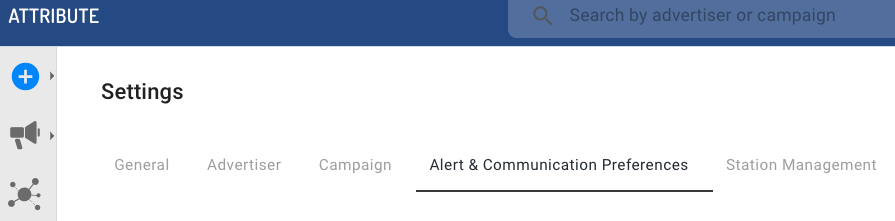
 - Select the Alert & Communication Preferences tab.
- Set any of the following:
- Send Invite Reminder Emails: sends connection invite reminders to users and advertisers. Connection invites for GA4, Adobe, and GBQ expire after 5 days of initial receipt. Pixel invitations do not expire.
- Status Alert Emails: sends warning, error, dormant, and active status alerts to users when campaigns have those statuses.
- Send Aggregated Status Update Email: sets the frequency to send your users reoccurring advertiser reports.
- Attribute Connection Invite Reminder Emails: sends an optional copy of invitation email in situations when advertiser connection details change or when a new connection is created.
- Click Save when done.


