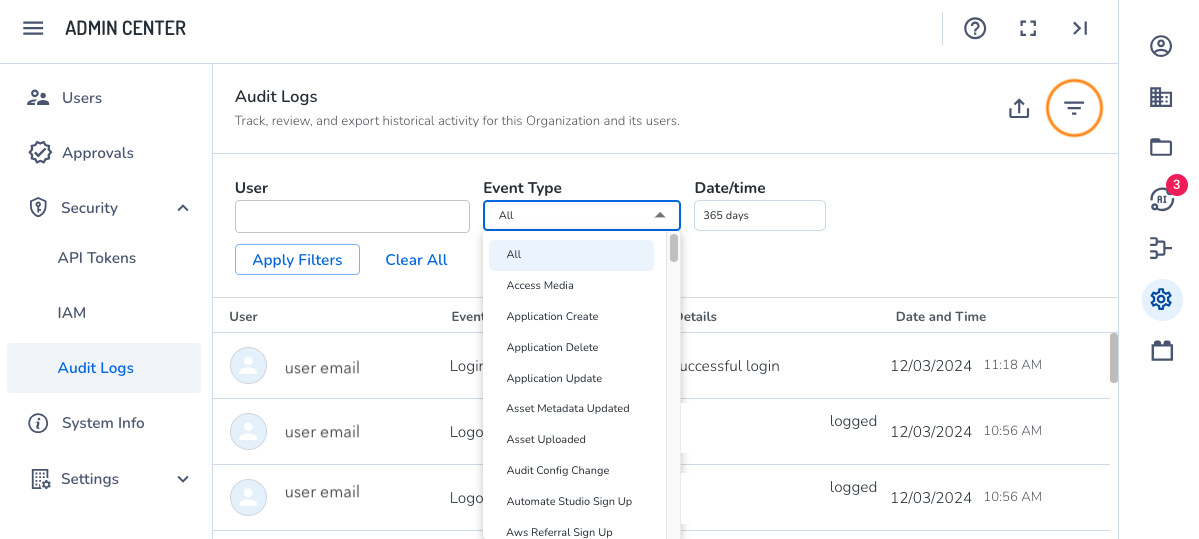
Organization admins can search user activity by various parameters, such as login attempts. Tracking user events can be useful when identifying and solving problems or to understand the purpose behind an activity, which can be later used for accountability or compliance.
Each user action in an organization is added to a running audit log, which captures activity by event type (“login”), the details (“successful login”), and the timestamp of the event.
Access audit logs
To access the Admin Center utility, log in to your aiWARE administrative account, and from the header bar, select  and then Admin Center
  .
.
Admin Center slides out as a panel. Click Security > Audit Logs. The Audit Log panel shows a historic list of all users and their activity by event.
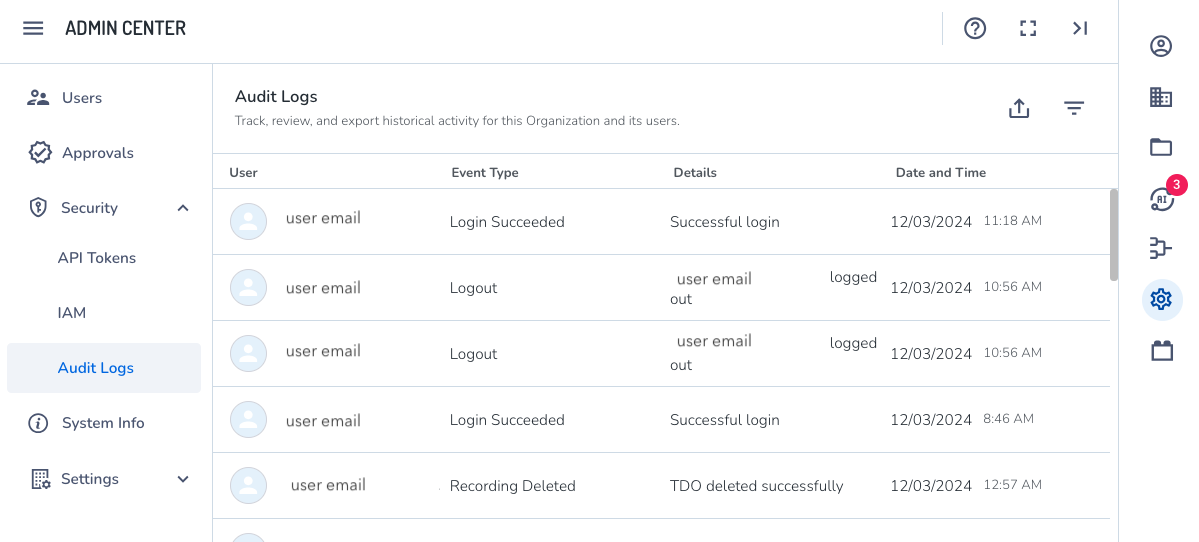
Filter events
Click the  icon to search specific event by user.