There are three steps to get set up with Machine Box.
Before you begin
The consumption of CPU and RAM resources are high in some boxes. We recommend the following:
1. Install Docker
Head over to the Docker website to download Docker Community Edition.
Follow the instructions in the installer until you have Docker up and running.
Validate that Docker is running by opening a terminal and doing:
docker version
You should see some output that lists various version information.
If you get an error (like docker: command not found) then the installation was not successful. We recommend you consult the Docker website.
Update the container
You only need to do a Docker pull to keep your container up to date. To update Facebox, for example, run:
docker pull machinebox/facebox
Deploy Docker containers
You can deploy Docker anywhere:
2. Obtain your box key
A box key is a string of characters that looks like your cat has walked across your keyboard.
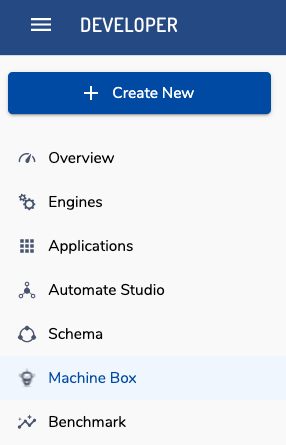
Get one from the Machine Box section of Veritone Developer.
Refer to the appropriate page for instructions on running each Box.



