You can update and manage multiple versions of an engine in aiWARE.
Steps
- In Veritone Developer, in the left menu, click Engines. The Engines overview page appears.
- Click the engine to deploy from the list or use the filter
 to search by name.
 - If the engine has a status of Active, you must first pause it before you can update it. To pause an active engine, click the Builds tab and click the Pause button. (For more information, see Pause an engine.)
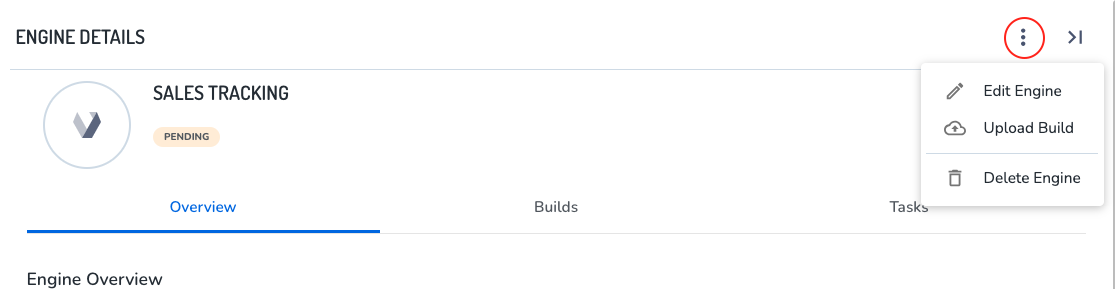
- Click an engine that is not currently active (and has a state of Pending or Ready), click it. The Engine Details drawer slides out.
-
- Click the three dots icon.
- Click Upload Build.
The Create New Build panel slides out. Upload via the following methods:
- Method 1: Docker image in a private repo.
- Method 2: a file stored in a repository such as Amazon S3 (recommended).
- Click the Create New Build button. Back in the build tab, the status changes to "fetching" (if the build is good). Click Submit to move through approval.



