Campaign managers can create advertiser profiles to efficiently track and measure client advertising performance. When creating an advertiser, you’ll add basic client information and integrate the advertisers' account. Once an advertiser is connected, their website traffic analytics are piped in and correlated against your media playout sources, keyword selections, or watchlists. Data insights can be visualized in the Dashboard Suite and downloaded to print or share with others.
- In the Attribute application, click
 > Advertiser.
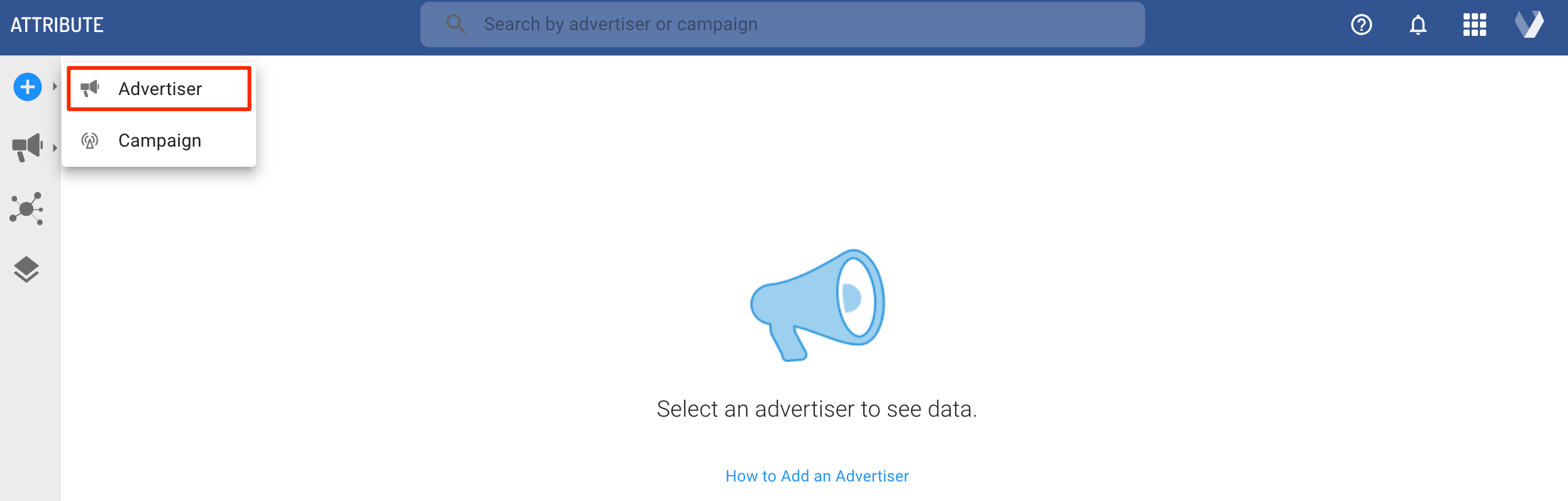
- Enter your advertiser details, such as name, logo, multi-market selection, and industry/category.
- Under Attribute Connection Type, select your preferred connection type (Veritone Attribute Pixel, Google Analytics GA4, Custom Data Load, etc.).
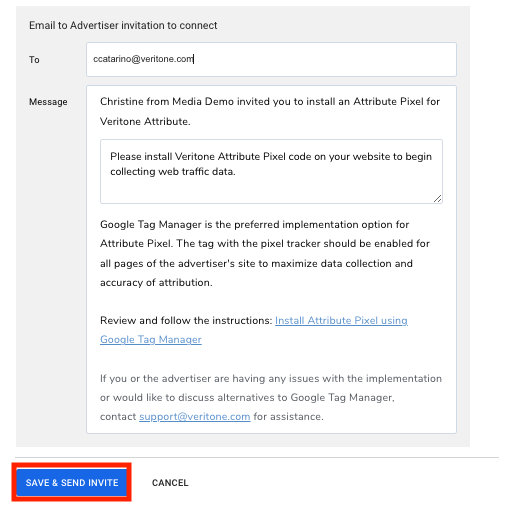
- In the email invitation to connect, enter your client email. If you don't have the email address of the website admin readily available, you can inform your point of contact to forward on the email invite to the correct person.
- If needed, add additional text to the email message body. Click Save & Send Invite to complete.
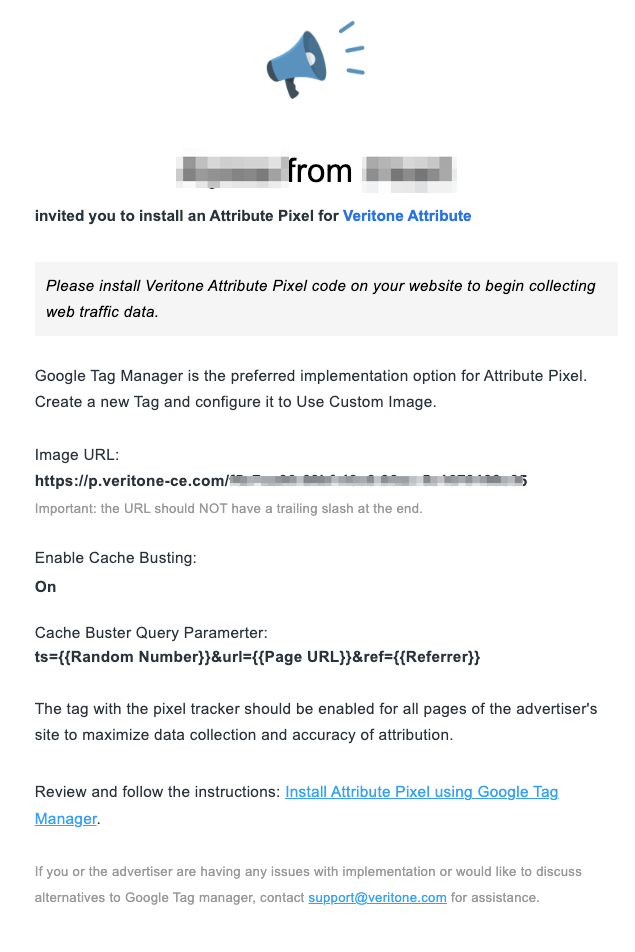
Once you complete the advertiser creation process, your advertiser will receive an email that looks like the example below:
Next steps
Then


