Quickly cancel pending jobs through Processing Center. Cancel a pending job as part of proactive action taken on an engine's processing time.
Access the Processing Center
To access the Processing Center utility, log in to your aiWARE administrative account, and from the header bar, select the utility icon  and then the Processing Center icon
  . The Processing Center slides out as a panel.
Cancel a job
[Note] You can only cancel a pending job. Running, failed, or complete jobs cannot be canceled.
There are two ways to cancel a pending job:
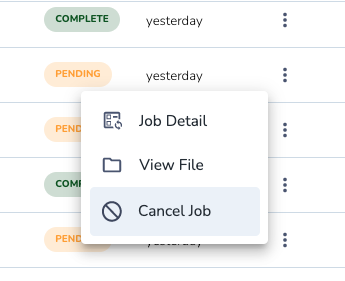
- Click the three dots to the right of a job and select Cancel Job.
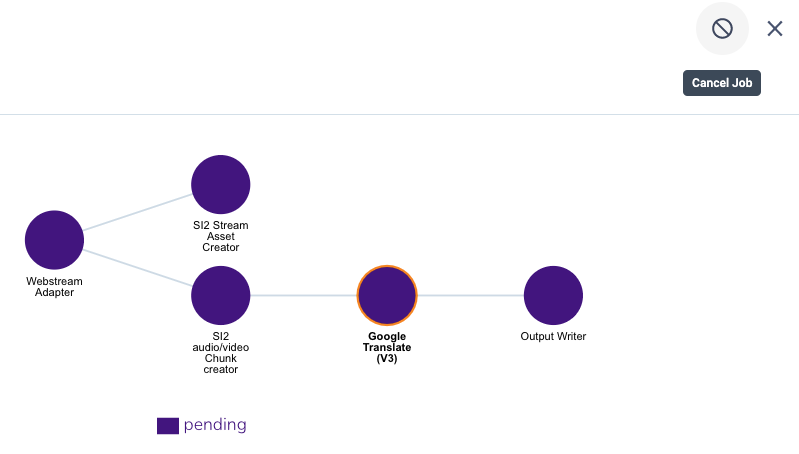
- In the Job Detail window, you can use the cancel icon
 to cancel a job.