Exporting a flow lets you or someone else use your flow in another flow.
Steps
- In the toolbar of the Automate Studio flow editor, select File > Export from the flow editor. The Export nodes window appears.
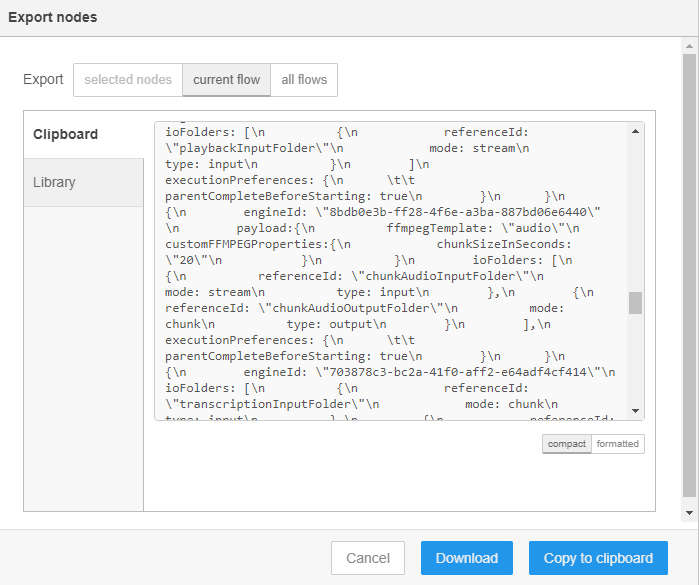
- In the Export nodes window, do one of the following:
- Copy the JSON from the editor to clipboard.
- Download the JSON to your local machine.
- Export the flow to library.
You can export either the selected nodes, the current flow, or the complete flow configuration. You can also specify if you want to export compact or formatted JSON. The compact option generates a single line of JSON with no whitespace. The formatted JSON option is formatted over multiple lines with full indentation, so it's easier to read.



