Overview
Veritone Redact’s transcription engine will provide you with an English transcript which will act as a map for your media. As your file plays, the transcript follows along “karaoke style” with your video, which is intended to streamline your audio redaction process. The accuracy of your transcript is dependent upon the quality of your audio. Any additional background noise or cross-talk will cause a lower accuracy threshold.
Running Audio Transcription
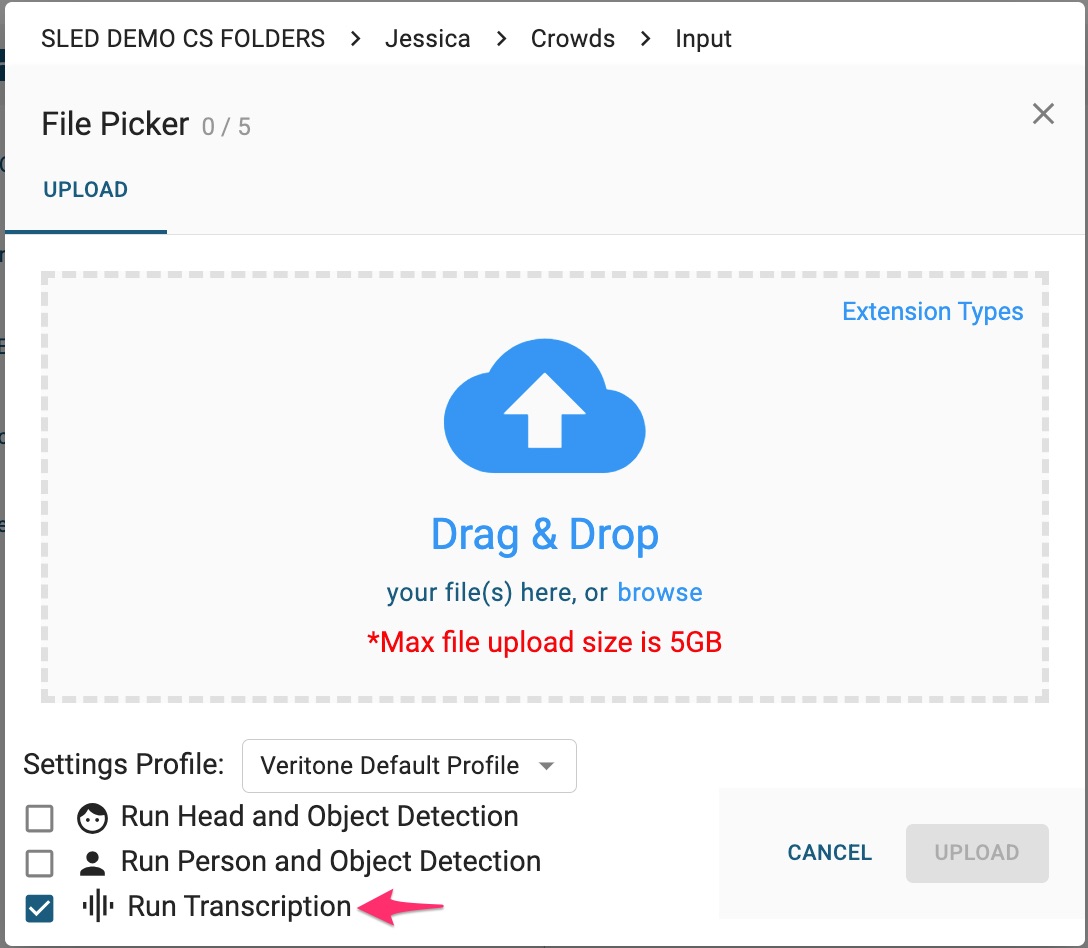
After selecting the files you wish to upload in the File Picker, simply select “Run Transcription” and click the Upload button.
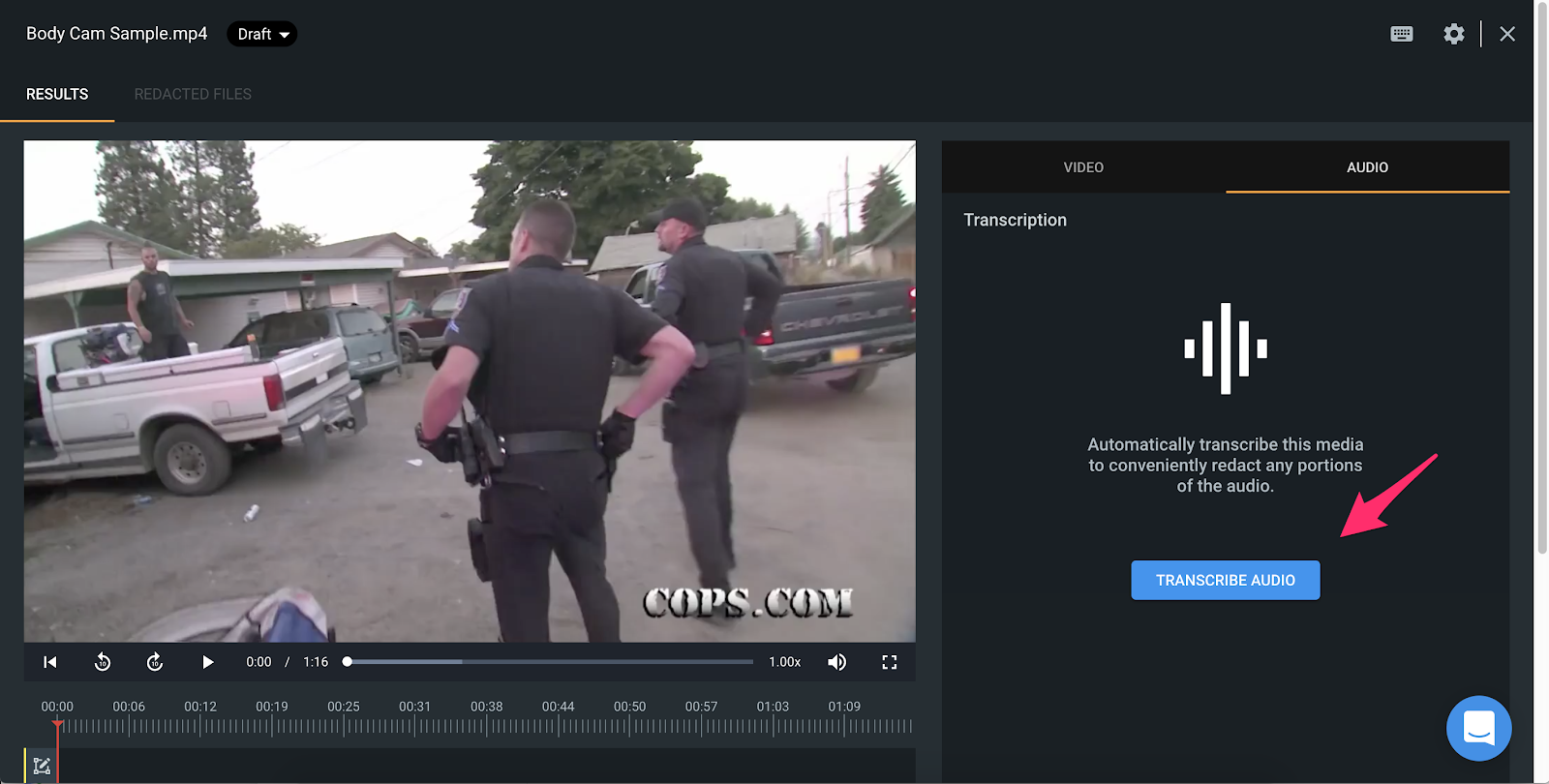
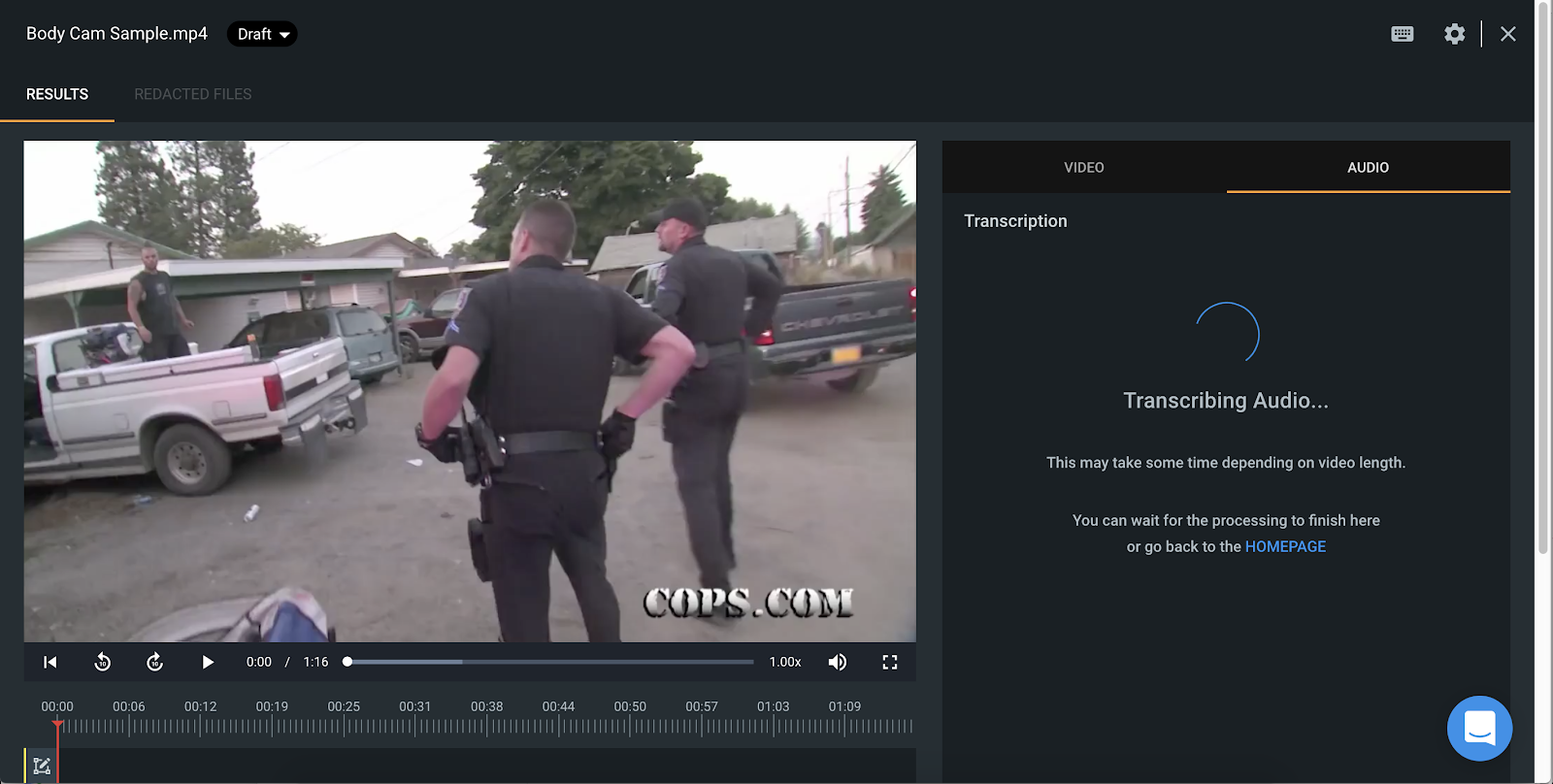
If you did not run the transcription engine while uploading your media, you can do so by navigating to the Audio tab on the File Manager Page, and clicking the Transcribe Audio button.
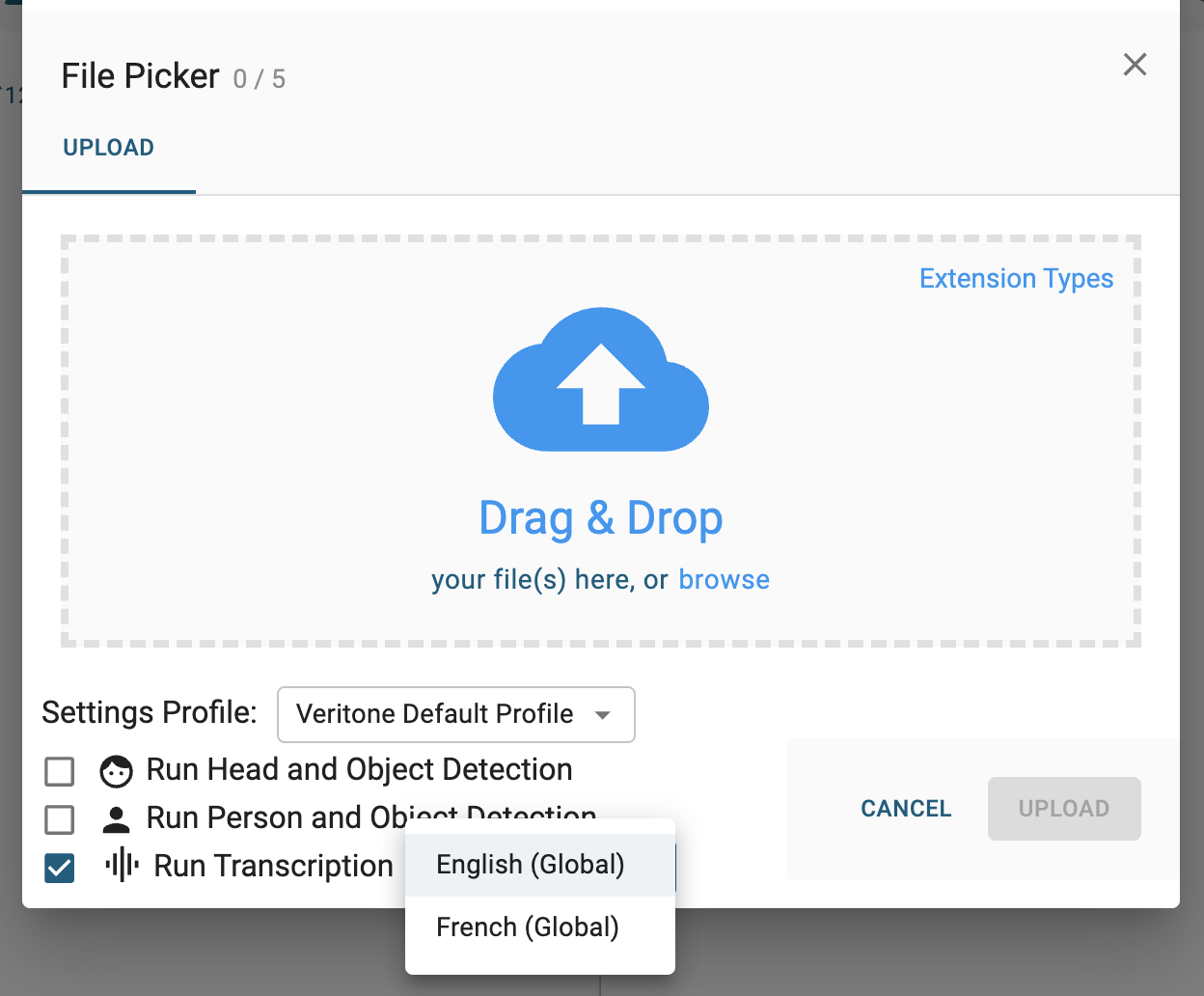
Note: Veritone Redact also supports transcription in other languages. If your agency requires this, please reach out to your dedicated Customer Success Manager or Support@veritone.com and specify which languages you require for transcription on your account. When enabled, you will select the source language during upload or from the “Audio” tab if Run Transcription was not selected upon upload.
If you have any questions about audio redactions, please contact the Veritone Support team at Support@veritone.com.



